Volunteer Hours Log and Impact Summary, Google Sheets and Excel
A sign in sheet that adds up its own hours, and a printable page that turns the total into a value for a board or a funder.
Refund policy
Refunds within 30 days, for any reason. Reply to your receipt and the payment goes back in full. You keep the files; there is nothing to return.
$19
Request to buyThis is not a checkout. It opens an email to the shop, which replies with a payment link. No mail app? Write to hello@wedgepress.com.
What it looks like
What it does
What you get
Seven connected worksheets in one Excel file:
- Start Here - What each sheet does, the steps in order, and how to open the file in Google Sheets.
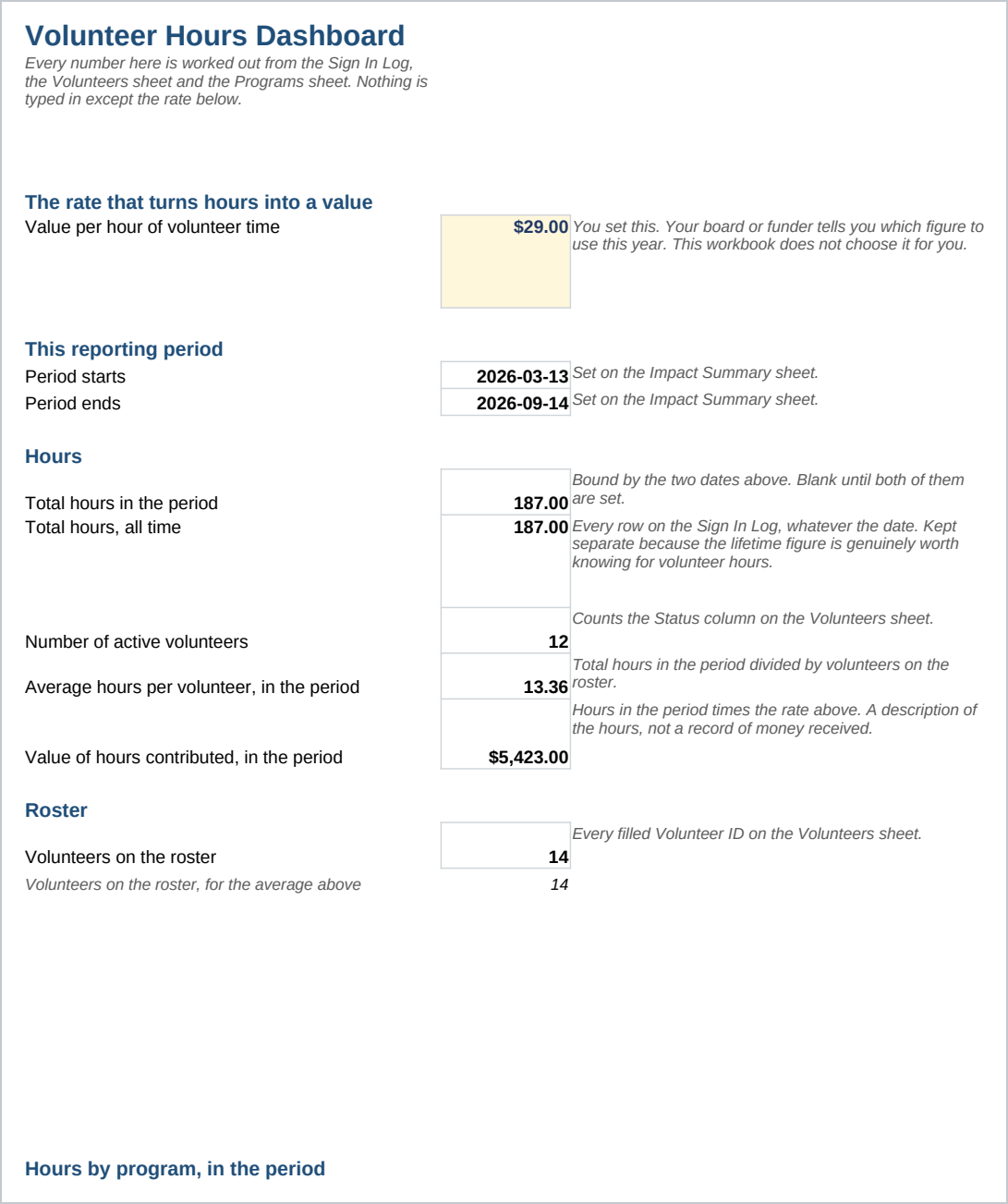
- Dashboard - Hours for the reporting period and for all time, by program and by month, plus the value of hours contributed at a rate you set.
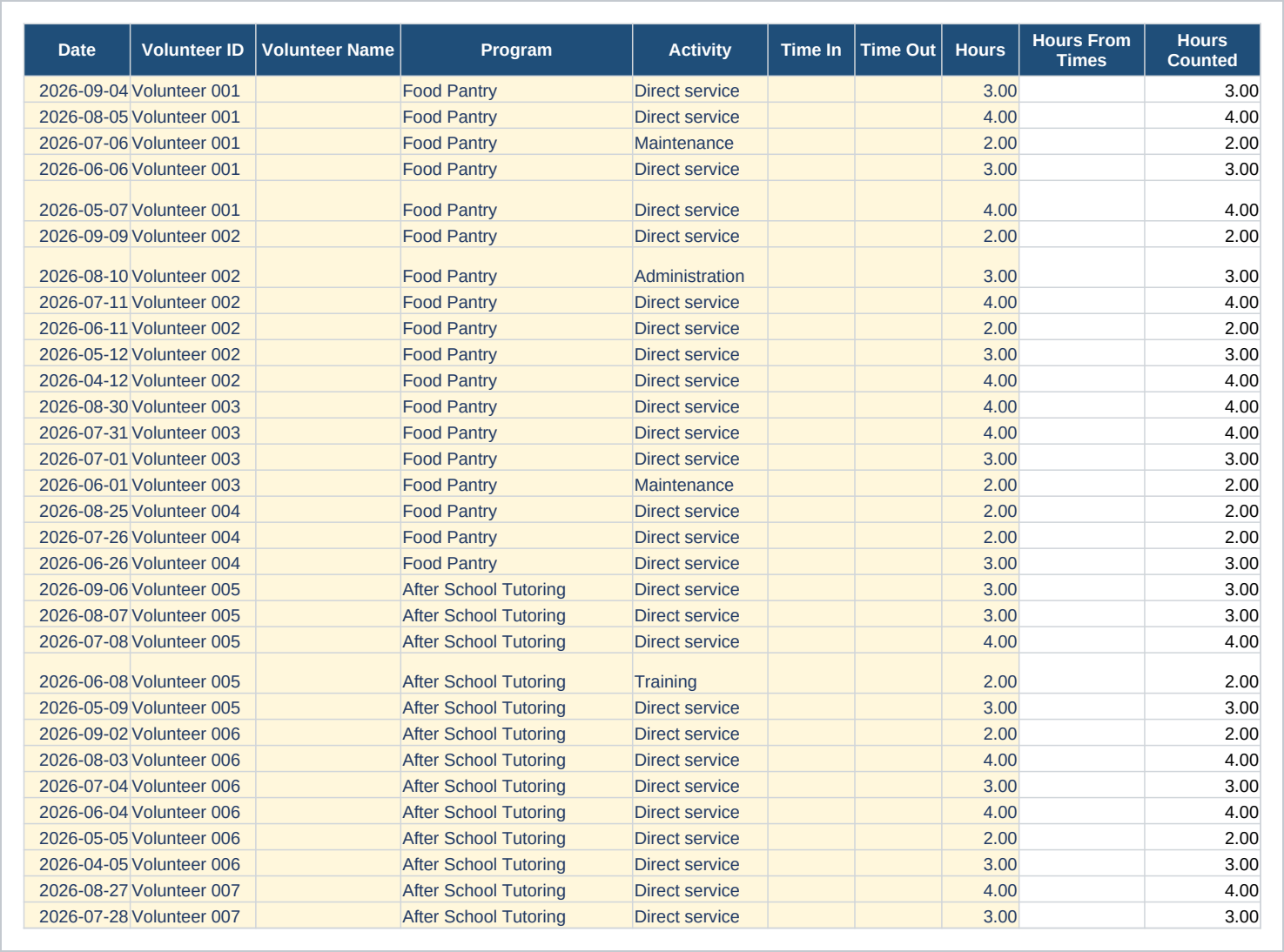
- Sign In Log - One row per volunteer visit, with a program, an activity, and hours you type directly or work out from a time in and a time out.
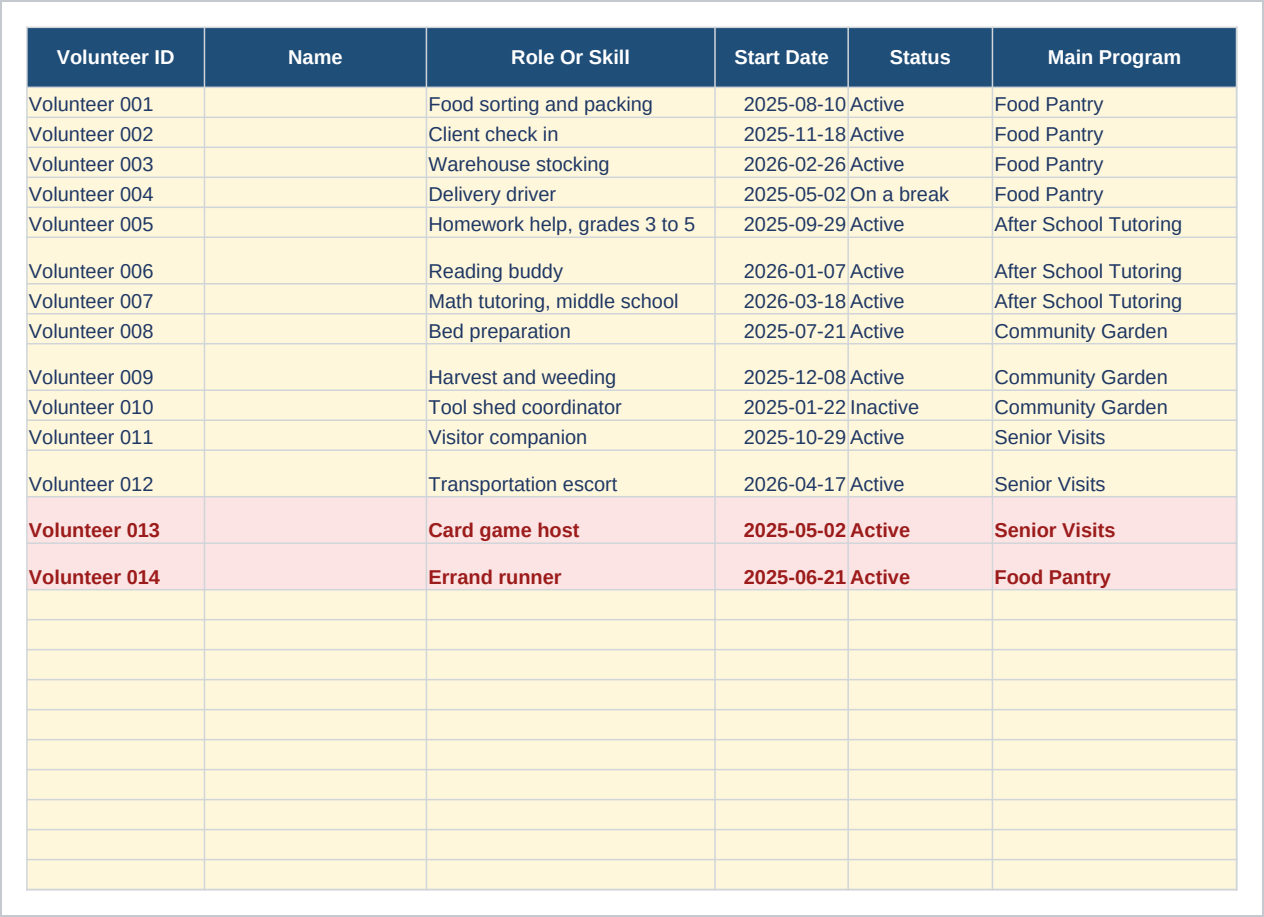
- Volunteers - One row per volunteer, with total hours, sessions logged, and a flag for anyone with no hours in 90 days.
- Programs - One row per program, with its own hours total, its own volunteer count, and its own value.
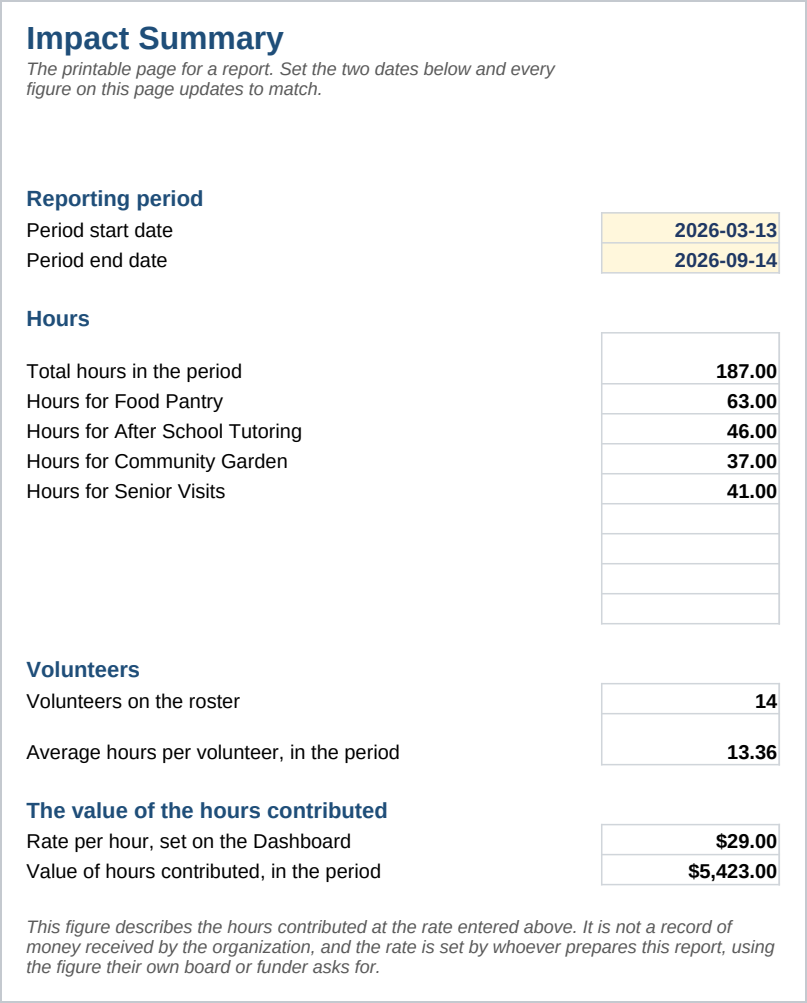
- Impact Summary - The printable page for a report, with a date range you choose and the same figures worked out for it.
- Lists - The words the Activity and Status dropdowns use.
A volunteer or a staff member adds one row every time someone signs in, picking the Volunteer ID and the Program from a dropdown so the totals always key on the exact same text. The Hours column can be typed directly or worked out from Time In and Time Out; the typed value is the one every total reads first.
Who it is for
A volunteer coordinator, an office manager, or an executive director at a nonprofit that runs a handful of ongoing programs with somewhere between ten and fifty volunteers a year. It suits an organization that already keeps its own sign in sheet and wants the sheet to add itself up. Above a few hundred volunteers with logins and permissions per person, a program usually needs a dedicated volunteer management system, and this is a spreadsheet.
What it is not
This is not volunteer management software and it does not connect to one. It does not let volunteers sign themselves in: a staff member, or a volunteer at a shared computer, enters each row. It sends no reminders, schedules no shifts, and runs no background checks. The value shown for contributed time is a description of the hours at the rate you enter, not a financial record and not a substitute for what your organization's own advisor tells you about a filing. You still enter every sign in and keep the volunteer list current yourself.
Refunds
Refunds within 30 days, for any reason. Reply to your receipt and the payment goes back in full. You keep the files; there is nothing to return.