Lawn Care Route Planner and Invoice Log, Excel and Google Sheets
A set of six connected worksheets for planning weekday lawn care and landscaping routes and tracking what each visit billed, invoiced, and collected.
Refund policy
Refunds within 30 days, for any reason. Reply to your receipt and the payment goes back in full. You keep the files; there is nothing to return.
$19
Request to buyThis is not a checkout. It opens an email to the shop, which replies with a payment link. No mail app? Write to hello@wedgepress.com.
What it looks like
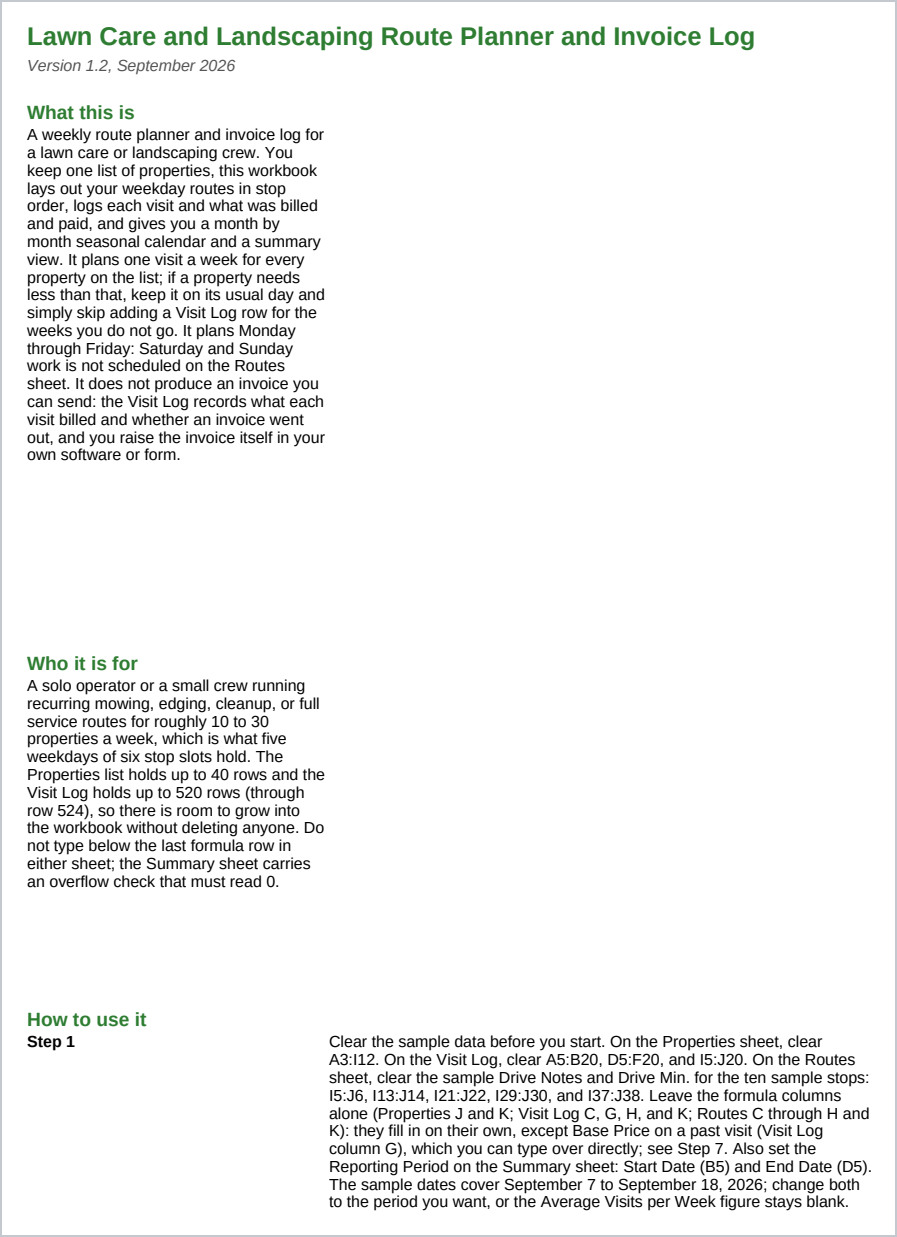
What it does
What you get
Six connected worksheets:
- Start Here - Instructions, the license, the support address, and the disclosure for this workbook.
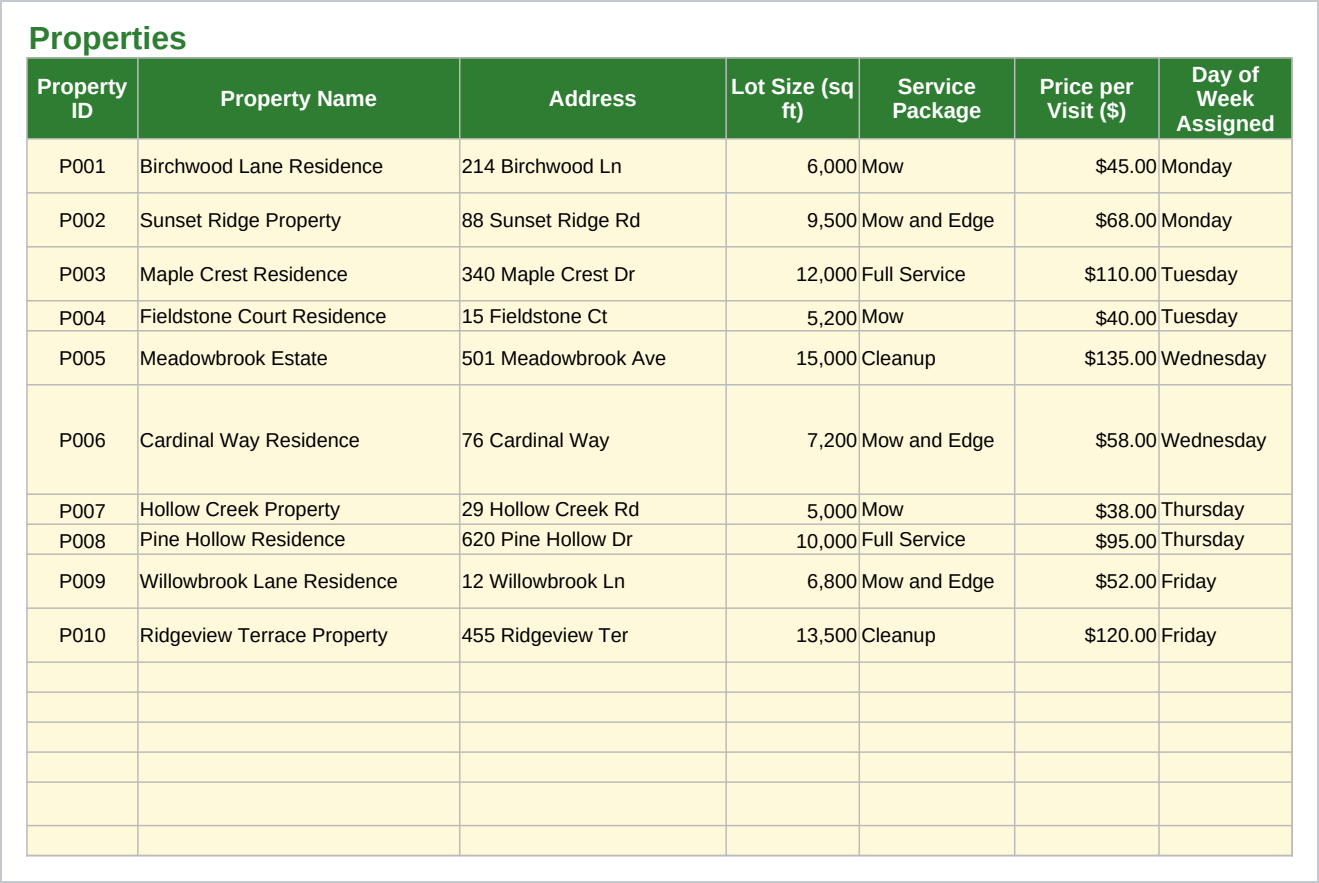
- Properties - Every property's address, property name, lot size, service package, price per visit, gate code notes, and the day and stop order it is visited on, plus an editable reference table for minutes per 1,000 square feet by service package and a short crew names list the Visit Log's Crew dropdown reads.
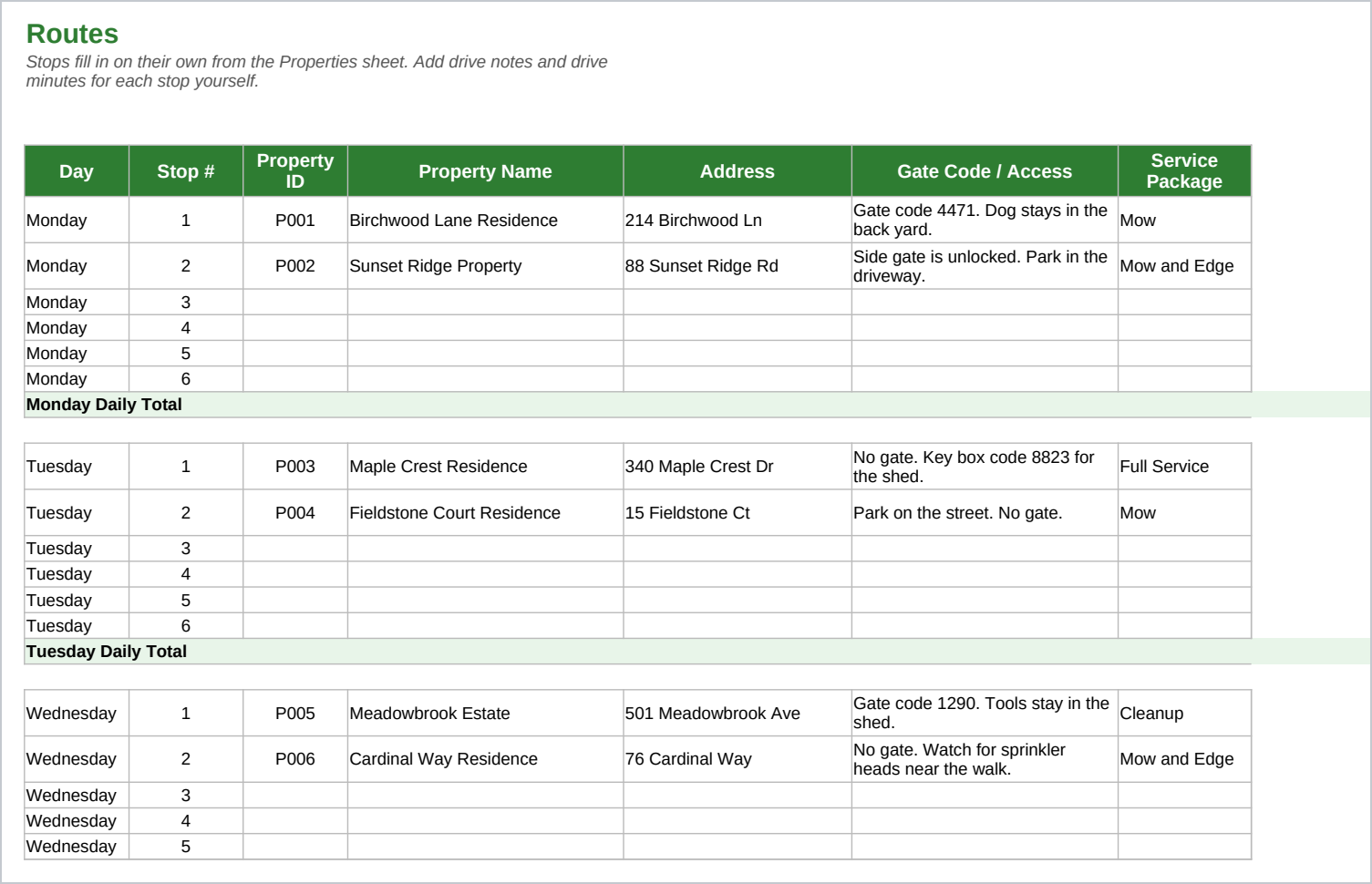
- Routes - Each weekday's stop list in order, filled in from the Properties sheet including the gate code, with space for your own drive notes and a daily total.
- Visit Log - One row per completed visit, with the base price and total billed calculated for you, and a place to mark a visit invoiced and paid.
- Seasonal Planner - A month by month calendar for mowing season, leaf cleanup, mulch, and snow work, with a check mark column for each.
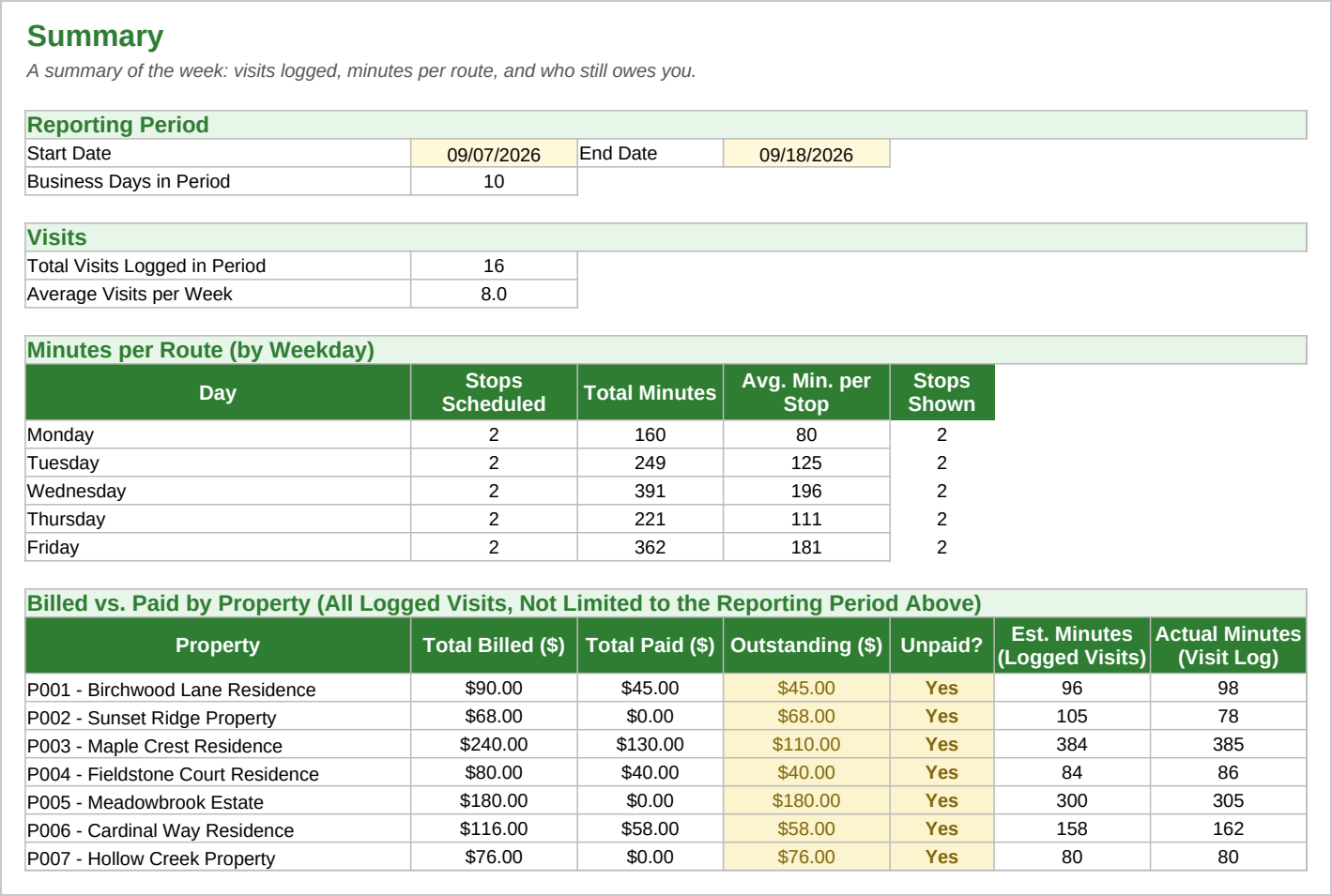
- Summary - Visits per week, minutes per route by weekday, and a billed versus paid table by property with estimated minutes next to what the Visit Log says you actually spent.
You enter each property once. Each week you check the Routes sheet for that day's stops, add a row to the Visit Log as each visit is done, and check the Summary sheet to see who still owes you money. Both sheets are already set up well past the sample rows, so adding another property or another visit means typing into the next row, not building one.
Who it is for
A solo operator or a small crew running recurring mowing, edging, cleanup, or full service routes for roughly 10 to 30 properties a week, billing per visit rather than a flat monthly retainer. It is not built for a company running several crews across a whole region at once; the Routes sheet plans one crew's day at a time.
What it is not
This is a spreadsheet and a guide, not scheduling software. It does not send text reminders, take payments, or connect to your bank or accounting software. It does not produce an invoice you can send: the Visit Log records what each visit billed and whether an invoice went out, and you raise the invoice itself in your own software or form. It does not calculate drive time for you; you type in your own drive notes and minutes. It plans Monday through Friday only, not Saturday or Sunday, and one visit a week per property; skip a Visit Log row for a week you did not go. It does not know your local mowing season dates; you set those on the Seasonal Planner. You need Excel or Google Sheets to open it, and you keep it up to date by hand.
Refunds
Refunds within 30 days, for any reason. Reply to your receipt and the payment goes back in full. You keep the files; there is nothing to return.