Agency Project Profitability and Utilization Tracker, Excel Workbook
One workbook for a small agency that joins the money and the hours: what a project was billed against what the hours put into it cost, and what each person logged against what they had available that week.
Refund policy
Refunds within 30 days, for any reason. Reply to your receipt and the payment goes back in full. You keep the files; there is nothing to return.
$29
Request to buyThis is not a checkout. It opens an email to the shop, which replies with a payment link. No mail app? Write to hello@wedgepress.com.
What it looks like
What it does
What you get
Seven connected worksheets:
- Start Here - What each sheet does, the steps in order, and how to open the file in Google Sheets.
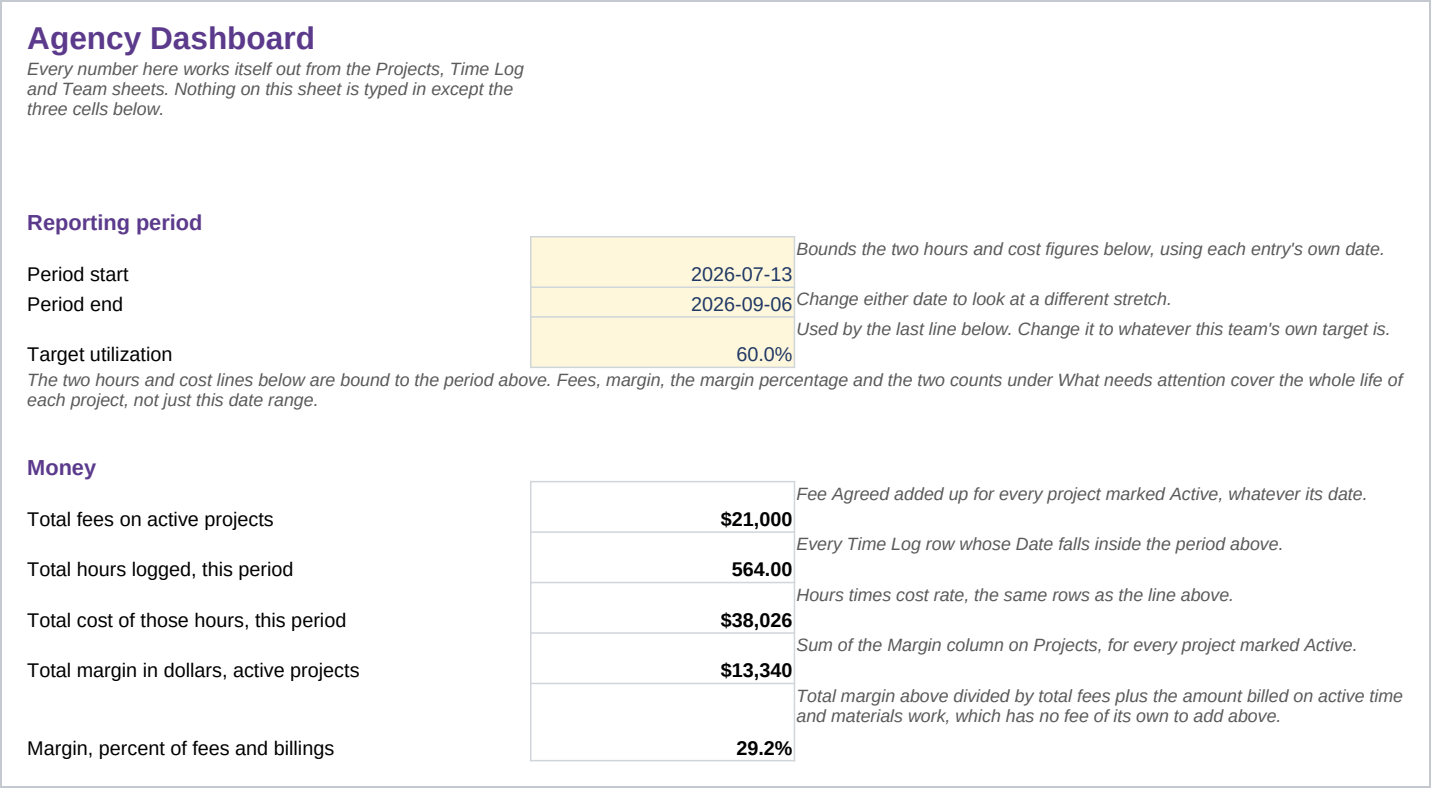
- Dashboard - Fees, hours, cost and margin for a date range you set, plus counts of negative margin, over-budget projects and under-target roles.
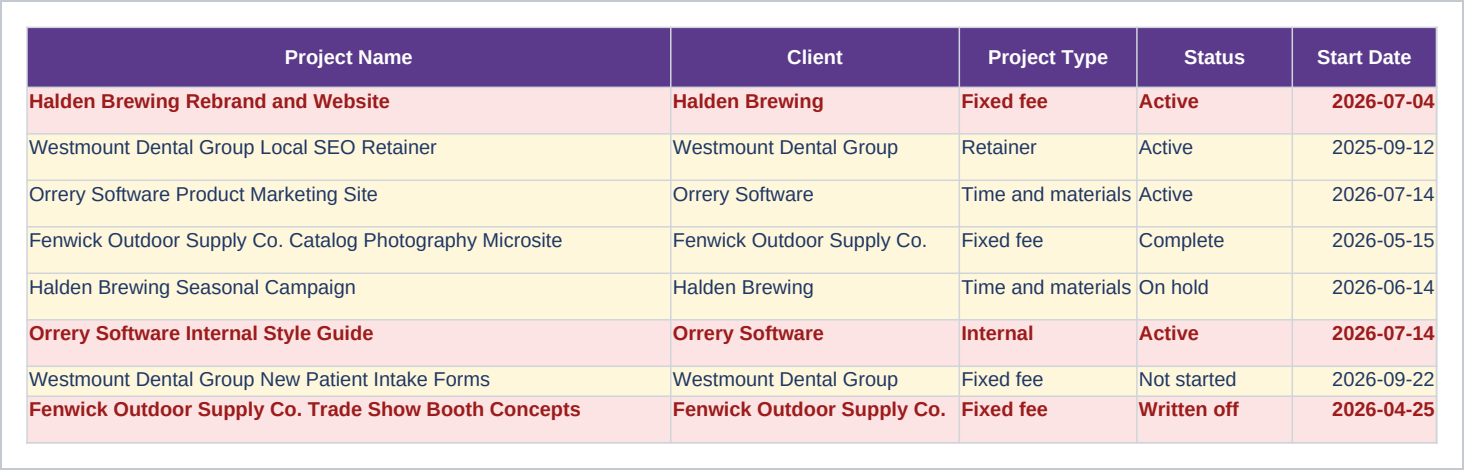
- Projects - One row per project: the fee or billing type, the hour budget, and the margin once hours are logged.
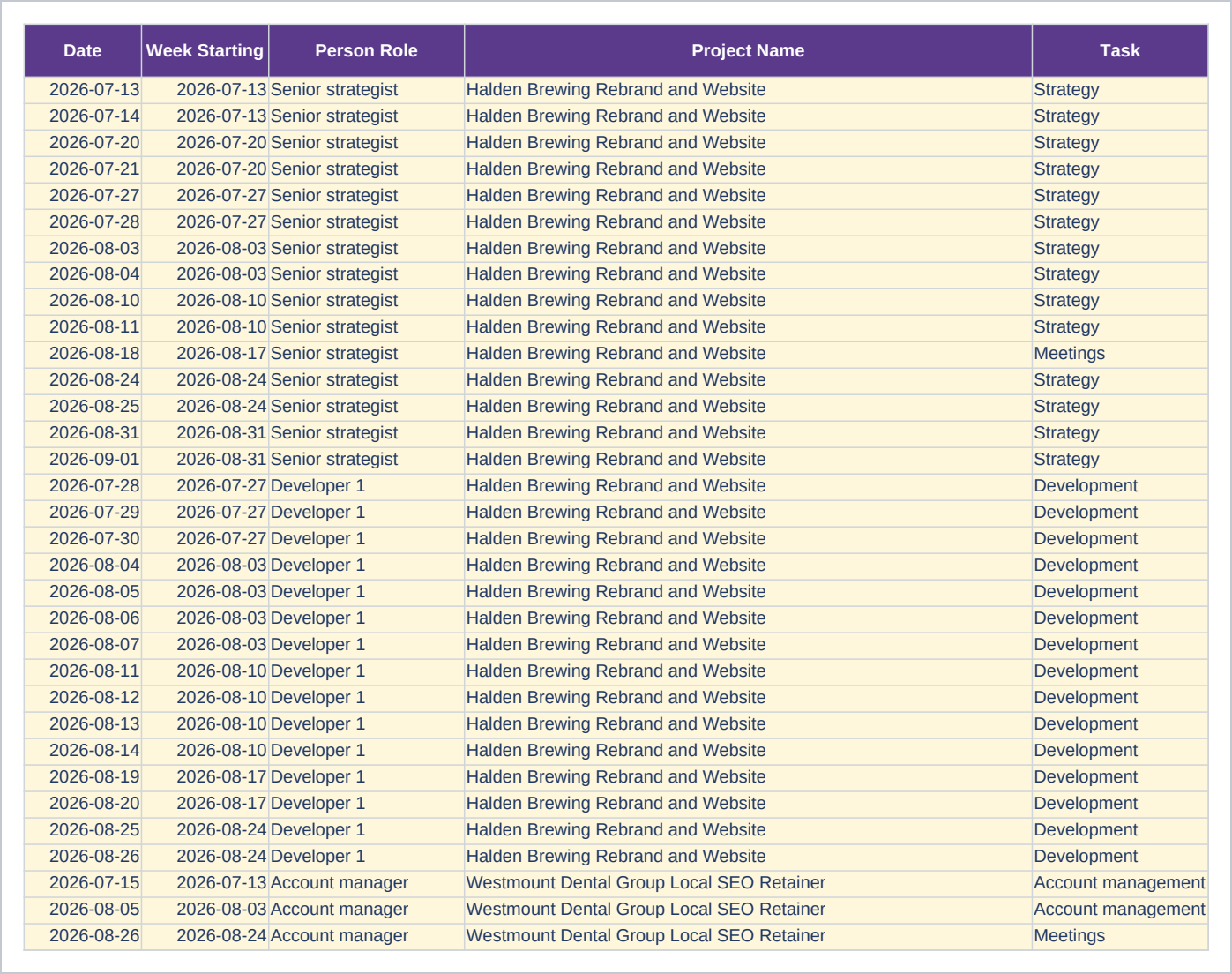
- Time Log - One row per person, per project, per day. The bill rate and cost rate are looked up from the Team sheet, not typed twice.
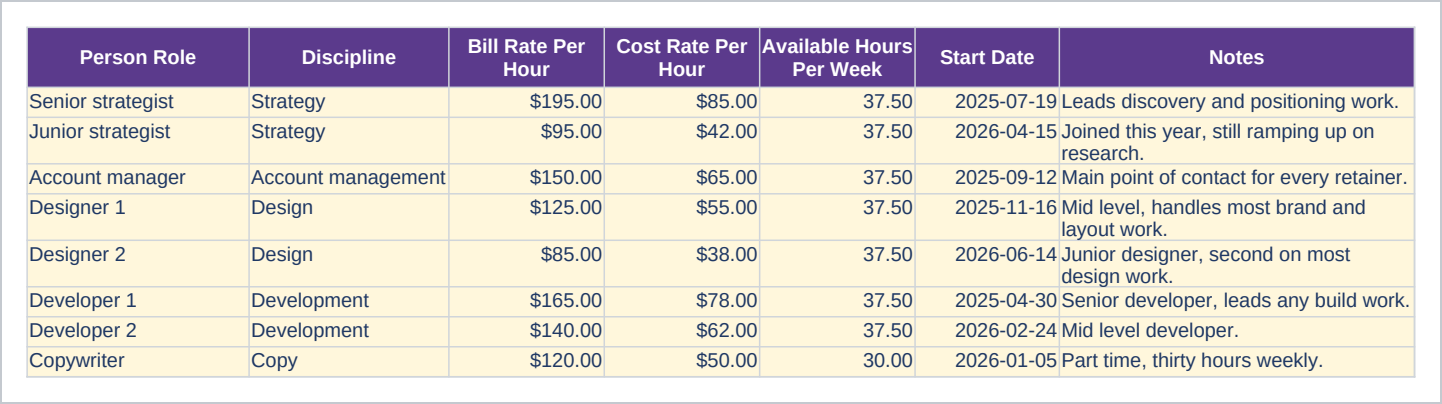
- Team - One row per role: the bill rate charged, the cost rate paid, and hours and cost totaled from the Time Log.
- Utilization By Week - One row per role, one column per week: billable hours over available hours, as a percentage.
- Lists - The words the Project Type, Status, Task and Billable dropdowns use.
The file opens on the Start Here sheet. Eight sample roles, eight sample projects and 94 time log rows are already in it, one row per person, per project, per day, so the dashboard shows a negative margin and an over-budget project before you type anything. Clear the pale yellow sample cells without deleting the rows; Start Here names the exact cells. Built against Excel 2016. In Google Sheets the formulas, dropdowns, frozen rows and number formats carry over; the print setup, a few column widths and some color rules want a minute afterward, and the guide says which.
Who it is for
A small agency, studio or freelance collective of two to fifteen people, tracking five to thirty active projects on a mix of fixed fee, time and materials, retainer and internal work. It suits whoever already keeps a spreadsheet of hours and wants it joined to what those hours cost and what the project was worth. Past thirty live projects, a team usually needs a shared system with logins for everyone, which this is not.
What it is not
This is not project management software: it does not assign work or decide who works on what. It has a fixed structure, a project list, a time log, a team list and a weekly utilization grid, joined by project name and person role. Three parts are yours to edit as your process changes: the task list on the Lists sheet, the roles and rates on the Team sheet, and the week-starting dates above the utilization grid. Editing any of them leaves rows already logged untouched, so a renamed role only applies going forward. It does not forecast who will be free next week, and it does not connect to invoicing or accounting software. You enter every hour, fee and rate yourself.
Refunds
Refunds within 30 days, for any reason. Reply to your receipt and the payment goes back in full. You keep the files; there is nothing to return.